
2FA App (Two-Factor Authentication)
Adding an extra layer of security is always a good idea! 2FA helps prevent unauthorized access to your account.
How to Enable 2FA
- Go to Security Settings
- Click Enable 2FA and follow the instructions to install an authenticator app (like Google Authenticator or Authy)
- Scan the QR code to set up 2FA
- Enter the 6-digit code from the app to confirm
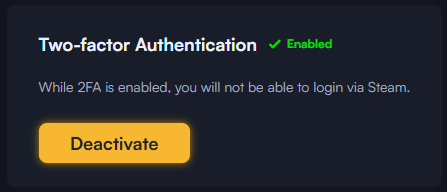
Enabled 2FA
How to Disable 2FA
- In Security Settings, click Disable 2FA
- Enter a valid 6-digit code from the authenticator app to confirm
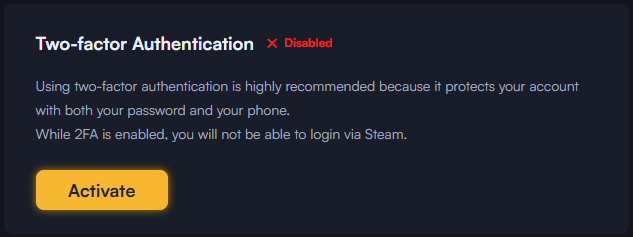
Disabled 2FA
Join our community & stay updated
🌐 Satoshihero.com | 🗨 Telegram Channel | 🏆 VIP Club | 🐦 Twitter | 🎮 Discord